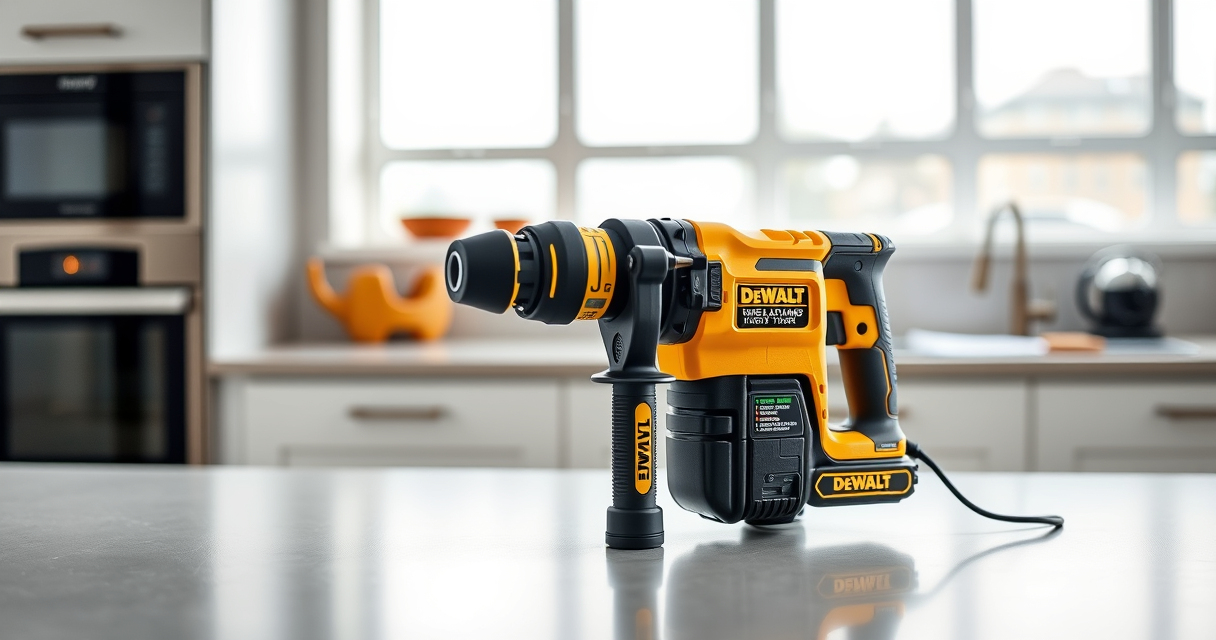

Proper maintenance of your DEWALT power tools is crucial for safety, performance, and durability. This guide provides step-by-step instructions for routine upkeep and troubleshooting common issues with your DEWALT 20V MAX Cordless Drill and Impact Driver, and other models.

Get garden gear delivered free — and shop member deals
- Fast, free delivery on millions of items
- Access to Prime Big Deal Days deals on October 6–7
- Prime Video, Amazon Music and more included
Following these procedures will help you identify problems early, perform safe repairs, and extend the life of your tools.
Key Takeaways
| Regular Cleaning | Keep tools free of dust and debris to prevent malfunction. |
| Battery Care | Properly charge, store, and replace batteries for consistent power. |
| Lubrication & Inspection | Lubricate moving parts and inspect for wear or damage. |
| Troubleshooting Common Issues | Identify and resolve power, charging, or mechanical problems. |
Routine Maintenance
- Unplug the tool or remove batteries before cleaning or inspecting.
- Use a soft brush or cloth to remove dust and debris from vents, switches, and exterior surfaces.
- Check the quick release hex chuck and bits for wear or damage; clean and replace if necessary.
- Lubricate moving parts (if applicable) following the manufacturer’s recommendations.
Battery Maintenance
- Keep batteries charged but avoid overcharging; unplug once fully charged.
- Store batteries in a cool, dry place away from direct sunlight.
- Inspect batteries for cracks, corrosion, or leaks; replace if damaged.
- Use only DEWALT-approved chargers and batteries for safety and compatibility.
Troubleshooting Power Issues
- If the tool doesn’t turn on, check the battery charge level; recharge if needed.
- Inspect the battery connection points for dirt or corrosion; clean gently with a dry cloth.
- Ensure the trigger is engaged properly; replace if the switch is faulty.
- Verify that the chuck is securely tightened and the bits are correctly installed.
Handling Mechanical Problems
- For unusual noises or vibrations, stop using the tool immediately and inspect for debris or damage to internal parts.
- Replace worn-out brushes or other replaceable components following the manufacturer’s instructions.
- Check for jammed bits or obstructions; clear carefully.
- If the tool is overheating, allow it to cool down before further use.
Safety Tips & Precautions
- Always disconnect power sources before maintenance or repair.
- Wear safety glasses and gloves when cleaning or inspecting.
- Never force a stuck bit or jammed component—seek professional repair if needed.
- Follow manufacturer’s guidelines to avoid voiding warranty or damaging the tool.
The Products in This Guide

DEWALT 20V MAX Cordless Drill and Impact Driver
- ✔ Battery life: Up to 2 hours
- ✔ Charging time: 1 hour
- ✔ Tool dimensions: 7.6 x 3.5 x 8 inches

DEWALT Drill Bit Set
- ✔ Bit length: 2-3 inches
- ✔ Color: Black and gold
- ✔ Storage: Plastic case
DEWALT 20V MAX Cordless Drill and Impact Driver
The DEWALT 20V MAX Cordless Drill and Impact Driver combo kit is a reliable, lightweight, and ergonomic set, ideal for tight spaces and precise work. Regular maintenance ensures it stays in top condition for all your projects.
Pros:
- Compact and lightweight design
- Ergonomic comfort grip
- Bright LED for visibility
- Variable speed trigger
- Quick release hex chuck
Cons:
- Battery life dependent on usage
- Limited to compatible DEWALT batteries
- Requires periodic cleaning to prevent dust buildup
Best for: Home improvement, furniture assembly, light construction
Not ideal for: Heavy-duty industrial applications
Bottom line: A versatile, reliable power tool set perfect for most DIY tasks, maintained with regular care.
DEWALT Drill Bit Set
The DEWALT Drill Bit Set offers durable high-speed steel bits with a 135-degree split point. Perfect for various materials, it complements your drill for efficient work.
Pros:
- High durability and rust resistance
- Includes multiple sizes
- Easy to identify sizes
- Reduces walking in material
Cons:
- Bulkier storage case
- Limited to drilling applications
- Bits may wear over extended use
Best for: General drilling in wood, metal, and plastic
Not ideal for: Heavy-duty industrial drilling
Bottom line: A versatile drill bit set that enhances your drilling efficiency with durability and clarity.
Frequently Asked Questions
How often should I clean my DEWALT power tools?
Clean your tools after each use to remove dust and debris, especially around vents and moving parts, to maintain optimal performance.
Can I use third-party batteries with my DEWALT tools?
It is recommended to use only DEWALT-approved batteries and chargers to ensure safety, compatibility, and warranty coverage.
What should I do if my drill overheats?
Stop using the drill immediately, let it cool down in a well-ventilated area, and inspect for any obstructions or damage before resuming work.
How do I replace a worn-out chuck or brushes?
Follow the manufacturer’s instructions for your specific model, or consult a professional technician for safe replacement of internal components.
Keep Your DEWALT Tools in Peak Condition
Regular maintenance and troubleshooting are essential for keeping your DEWALT power tools functioning safely and efficiently. By following these simple steps, you can extend their lifespan and ensure they perform reliably on all your projects. Remember to always prioritize safety and consult professional repair services when in doubt.
Affiliate disclosure: As an Amazon Associate we earn from qualifying purchases. Prices and availability are accurate as of the time of publishing.
Fall Picks
fall essentials
As an affiliate, we earn on qualifying purchases.