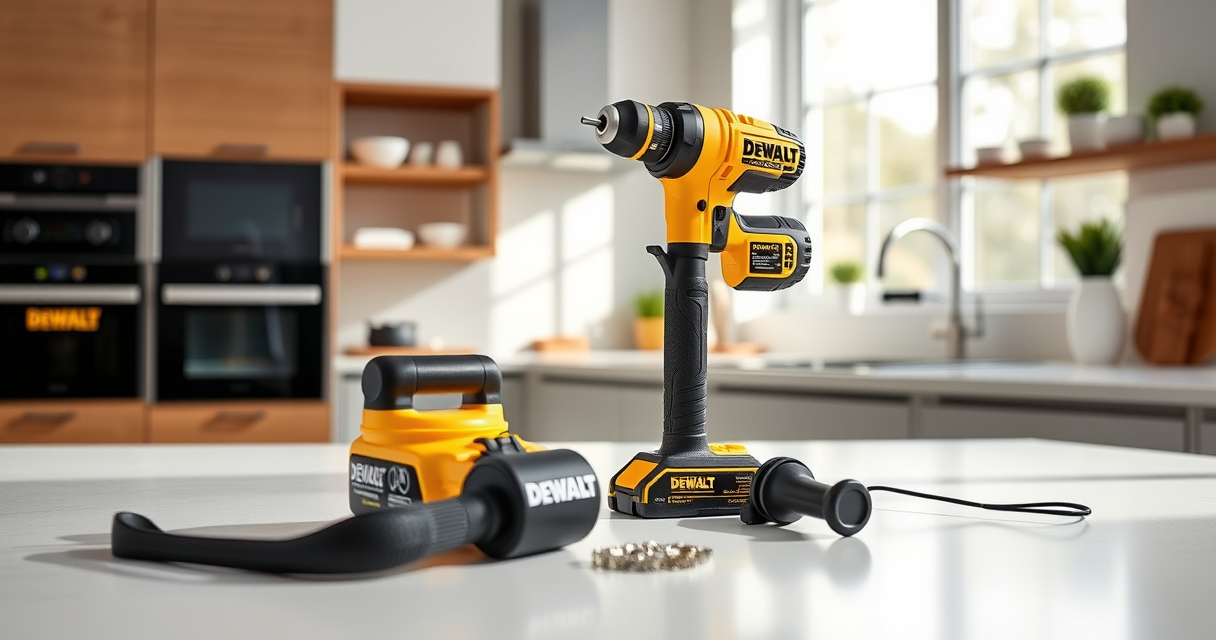

If your DeWALT 20V MAX battery isn’t charging, it can halt your projects. Fortunately, most issues are fixable with simple troubleshooting steps. Understanding the common causes helps you quickly identify and resolve the problem, saving time and ensuring your tools stay operational.
Listen free for 30 days with Audible
Thousands of audiobooks and originals — cancel anytime.
Start your free trialAs an affiliate, we earn on qualifying purchases.
In this guide, you’ll find clear, safe steps to diagnose and fix charging issues, along with helpful tips and warnings to protect your battery and tools.
Key Takeaways
| Check charger connection | Ensure the charger is plugged in and properly connected. |
| Inspect battery contacts | Clean the battery contacts to improve charging connection. |
| Test with another charger | Use a different compatible charger to rule out charger failure. |
| Verify battery health | A defective battery may need replacement. |
| Avoid extreme temperatures | Charge batteries in a cool, dry environment for best results. |

DEWALT 20V MAX Cordless Drill Driver Set, Electric Drill, Brushless 1/2 In 2 Speed, 2.0 Ah Battery and Charger Included, LED Light (DCD777D1)
- Motor Type: Brushless motor for longer run time
- Compact Design: 7.6-inch lightweight hand drill
- Ergonomic Grip: Comfortable handle for better control
As an affiliate, we earn on qualifying purchases.
Step 1: Check the Power Source and Charger
- Ensure the power outlet is active by plugging in another device.
- Confirm the charger is plugged into a working socket.
- Inspect the charger’s LED indicators for proper operation (refer to the charger manual).
Step 2: Inspect the Battery Contacts
- Remove the battery from the charger.
- Wipe the metal contacts on both the battery and charger with a clean, dry cloth to remove dirt or corrosion.
- Reinsert the battery firmly into the charger and check if the charging indicator lights up.
Step 3: Test the Battery and Charger
- Try charging the battery with a different compatible DeWALT charger if available.
- If the battery charges on another charger, the original charger may be faulty.
- If the battery still doesn’t charge, proceed to test the battery itself.
Step 4: Examine the Battery’s Condition
- Check for any visible damage, swelling, or corrosion on the battery.
- If the battery is old or shows signs of damage, it might need replacing.
- Use a multimeter to check voltage if you have the tools; a significantly low voltage indicates a dead battery.
Tips, Warnings, and When to Seek Professional Help
- Always handle batteries and chargers with dry hands and in a dry environment to prevent electrical hazards.
- Never attempt to disassemble or modify the battery or charger.
- If all troubleshooting fails, consider replacing the battery or contacting DeWALT customer support.
The Products in This Guide

DEWALT 20V MAX Cordless Drill Driver Set
- ✔ Size: 7.6 inches
- ✔ Weight: 3.4 lbs
- ✔ Includes: 2 batteries, charger

DEWALT Drill Bit Set
- ✔ Size Range: Varies per bit
- ✔ Length: 3 to 6 inches
- ✔ Shank: 3-flats
DEWALT 20V MAX Cordless Drill Driver Set
The DEWALT 20V MAX Cordless Drill Driver Set features a brushless motor that offers increased run time and durability. Included 2.0 Ah batteries and a charger make it a versatile choice for various projects.
Pros:
- Long-lasting brushless motor
- Compact and lightweight design
- LED work light
- Ergonomic handle
Cons:
- Battery life may vary with heavy use
- Charger not compatible with older models
Best for: General purpose drilling and fastening in tight spaces
Not ideal for: Heavy-duty industrial applications requiring larger batteries
Bottom line: A durable, versatile drill set ideal for most household and professional tasks.
DEWALT Drill Bit Set
This DEWALT Drill Bit Set includes 14 high-speed steel bits with a 135-degree split point, suitable for plastic, wood, and metal. Its durability and quick identification make it a valuable addition to your toolkit.
Pros:
- Durable high-speed steel
- Easy size identification
- Split point design reduces walking
- Corrosion-resistant coating
Cons:
- Limited to drill bits only
- No impact driver bits included
Best for: General drilling tasks across various materials
Not ideal for: Heavy-duty industrial drilling
Bottom line: A reliable drill bit set that handles multiple materials with ease.
Frequently Asked Questions
How do I know if my DeWALT battery is dead?
If the battery does not charge after multiple attempts, shows no voltage with a multimeter, or exhibits physical damage or swelling, it may be dead and require replacement.
Can I leave my battery on the charger indefinitely?
It’s best to remove the battery once fully charged to prolong its lifespan. Modern chargers usually have automatic shut-off features.
What temperature is best for charging my DeWALT battery?
Charge the battery in a cool, dry environment, ideally between 50°F and 80°F (10°C to 27°C). Charging in extreme temperatures can reduce battery life or cause charging failure.
Keep Your DeWALT Tools Ready to Work
Regular maintenance and proper charging habits help extend your DeWALT batteries’ lifespan and ensure your tools perform reliably. If troubleshooting doesn’t resolve charging issues, contacting customer support or replacing the battery may be necessary. Staying attentive to signs of wear or damage can prevent unexpected work disruptions, keeping you productive and safe.
Affiliate disclosure: As an Amazon Associate we earn from qualifying purchases. Prices and availability are accurate as of the time of publishing.
Pool season Picks
robotic pool cleaners
As an affiliate, we earn on qualifying purchases.