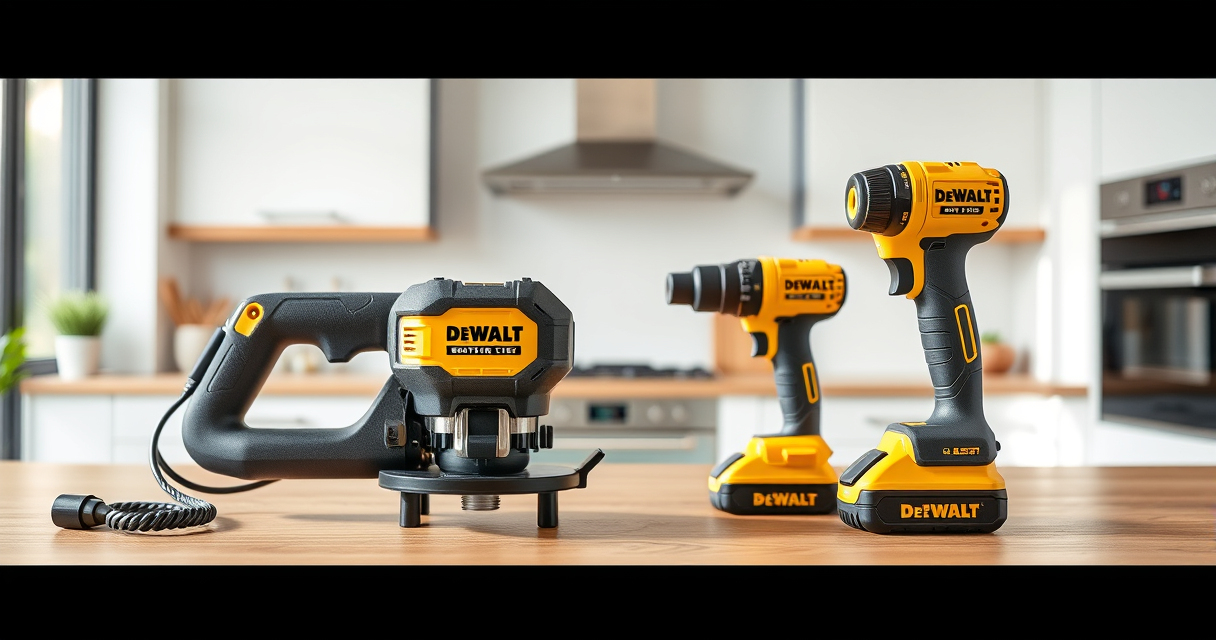

Maintaining your DEWALT power tools is crucial for ensuring their longevity, performance, and safety during use. Proper care not only extends the lifespan of your equipment but also helps prevent unexpected breakdowns that can delay your projects. This guide provides practical, step-by-step instructions on how to clean, inspect, troubleshoot, and maintain your DEWALT tools effectively and safely.
Listen free for 30 days with Audible
Thousands of audiobooks and originals — cancel anytime.
Start your free trialAs an affiliate, we earn on qualifying purchases.
Whether you own a cordless drill, impact driver, or other DEWALT power tools, regular maintenance is key. From changing batteries to cleaning the brushes, you’ll find detailed procedures to keep your tools in top shape, along with tips to troubleshoot common issues. Let’s get started with what you need to know to keep your DEWALT power tools running smoothly.
Key Takeaways
| Regular Cleaning | Keeps dust and debris from impairing tool performance. |
| Battery Care | Proper charging and storage extend battery life. |
| Routine Inspection | Identifies wear and damage early to prevent failure. |
| Sharpening & Replacing Parts | Ensures optimal cutting and operation. |
| Safe Troubleshooting | Always disconnect power before inspection or repairs. |

DEWALT 20V MAX Cordless Drill and Impact Driver, Power Drill Brushless 2-Tool Power Tool Combo Kit, Includes 2 Batteries, Charger and Bag (DCK277D2)
- Compact Size: 7.6-inch lightweight design for tight spaces
- Ergonomic Grip: Comfortable, balanced control for extended use
- Bright LED Light: Illuminates work area with 20-second delay
As an affiliate, we earn on qualifying purchases.
Cleaning Your DEWALT Power Tools
- Unplug or remove the battery from your tool to ensure safety before cleaning.
- Use a soft brush or compressed air to remove dust, dirt, and debris from vents, switches, and motor housing.
- Wipe external surfaces with a damp cloth; avoid harsh chemicals that can damage plastic or coatings.
- For stubborn grime, use a mild soap solution, then thoroughly dry all parts.
- Inspect vents and cooling fans for blockages and clear them to prevent overheating.
Inspecting and Maintaining Batteries
- Check the battery contacts for dirt or corrosion; clean gently with a dry cloth or a small amount of rubbing alcohol.
- Ensure batteries are stored in a cool, dry place, away from direct sunlight and extreme temperatures.
- Charge batteries using the original DEWALT charger and avoid overcharging; disconnect once fully charged.
- Use the LED indicator on DEWALT batteries to monitor charge status and prevent deep discharges.
- Replace batteries that show reduced runtime or physical damage.
Troubleshooting Common Issues
- Tool won’t turn on: Check the battery charge level, ensure proper connection, and inspect for damaged switches or wiring.
- Tool runs intermittently: Clean and tighten the battery contacts and ensure the trigger is not stuck or damaged.
- Overheating: Clean cooling vents and avoid continuous operation for extended periods.
- Reduced performance: Sharpen drill bits, replace worn brushes, or check for motor issues.
Replacing Components and Parts
For optimal performance, periodically replace worn brushes, drill bits, and other consumables. Use genuine DEWALT replacement parts for compatibility and safety. Refer to your tool’s user manual for detailed instructions on disassembly and component replacement. Always disconnect the power source before starting any repairs.
Safety Tips for Maintenance and Troubleshooting
- Always disconnect batteries or unplug tools before cleaning or repair.
- Wear safety glasses and gloves to protect against debris and sharp edges.
- Work in a well-ventilated area to avoid inhaling dust or fumes.
- Follow manufacturer instructions for maintenance procedures.
- Use the correct tools and parts for repairs to prevent damage and ensure safety.
The Products in This Guide

DEWALT 20V MAX Cordless Drill and Impact Driver
- ✔ Battery Capacity: 5Ah
- ✔ Chuck Type: Quick-release hex
- ✔ Weight: Lightweight design

DEWALT Drill Bit Set
- ✔ Number of Pieces: 14
- ✔ Bit Material: High-Speed Steel
- ✔ Coating: Black & Gold
DEWALT 20V MAX Cordless Drill and Impact Driver
The DEWALT 20V MAX Cordless Drill and Impact Driver combo kit offers a compact, lightweight design with excellent ergonomics. It features brushless motors for efficiency, a bright LED for visibility, and a quick-release hex chuck for easy bit changes. Regular maintenance will keep this versatile tool performing at its best for years.
Pros:
- Lightweight and ergonomic design
- Brushless motor for efficiency
- Bright LED for dark spaces
- Includes 2 batteries and charger
Cons:
- Battery life may vary with heavy use
- Limited to 20V system
- No belt clip included
Best for: Home improvement, DIY projects, professional use
Not ideal for: Heavy-duty industrial applications requiring more power
Bottom line: A reliable, versatile cordless drill set perfect for a wide range of projects.
DEWALT Drill Bit Set
This DEWALT 14-piece drill bit set features high-speed steel bits with a 135° split point, perfect for plastic, wood, and metal. The black and gold coating provides rust resistance, and the 3-flats shank reduces spin-out, making it a reliable choice for various drilling tasks.
Pros:
- Durable high-speed steel
- Rust-resistant coating
- Includes multiple sizes
- Reduces bit walking
Cons:
- Limited to basic bit sizes
- No impact-rated bits included
- Requires separate storage case
Best for: General drilling, DIY projects, professional work
Not ideal for: Heavy industrial drilling requiring specialized bits
Bottom line: A versatile drill bit set that offers durability and precision for everyday tasks.
Frequently Asked Questions
How often should I clean my DEWALT power tools?
Clean your tools after each use to prevent dust buildup, especially in vents and moving parts, to ensure optimal performance.
What is the best way to store DEWALT batteries?
Store batteries in a cool, dry place, away from extreme temperatures and direct sunlight. Avoid leaving batteries in the charger for extended periods after full charge.
How can I tell if my battery needs replacing?
If your tool’s runtime significantly decreases or it fails to hold a charge despite proper charging, it may be time to replace the battery.
What should I do if my drill won’t turn on even with a charged battery?
Check the battery connection, inspect the trigger switch for damage, and verify that the motor brushes are not worn out. If issues persist, professional service may be needed.
Can I use third-party accessories with my DEWALT tools?
It’s recommended to use genuine DEWALT accessories and parts to ensure compatibility, safety, and maximum performance.
Keep Your DEWALT Tools in Peak Condition
Regular maintenance and troubleshooting are essential to keep your DEWALT power tools performing reliably. By following the cleaning, inspection, and safety tips outlined in this guide, you can extend the lifespan of your equipment and avoid costly repairs. Remember, safety always comes first—disconnect power sources before inspecting or repairing your tools. With proper care, your DEWALT tools will serve you well on countless projects for years to come.
Affiliate disclosure: As an Amazon Associate we earn from qualifying purchases. Prices and availability are accurate as of the time of publishing.
College move-in / dorm season Picks
dorm essentials
As an affiliate, we earn on qualifying purchases.