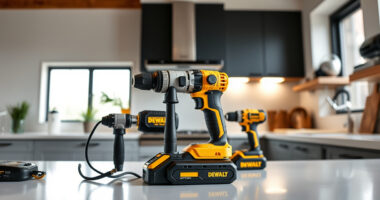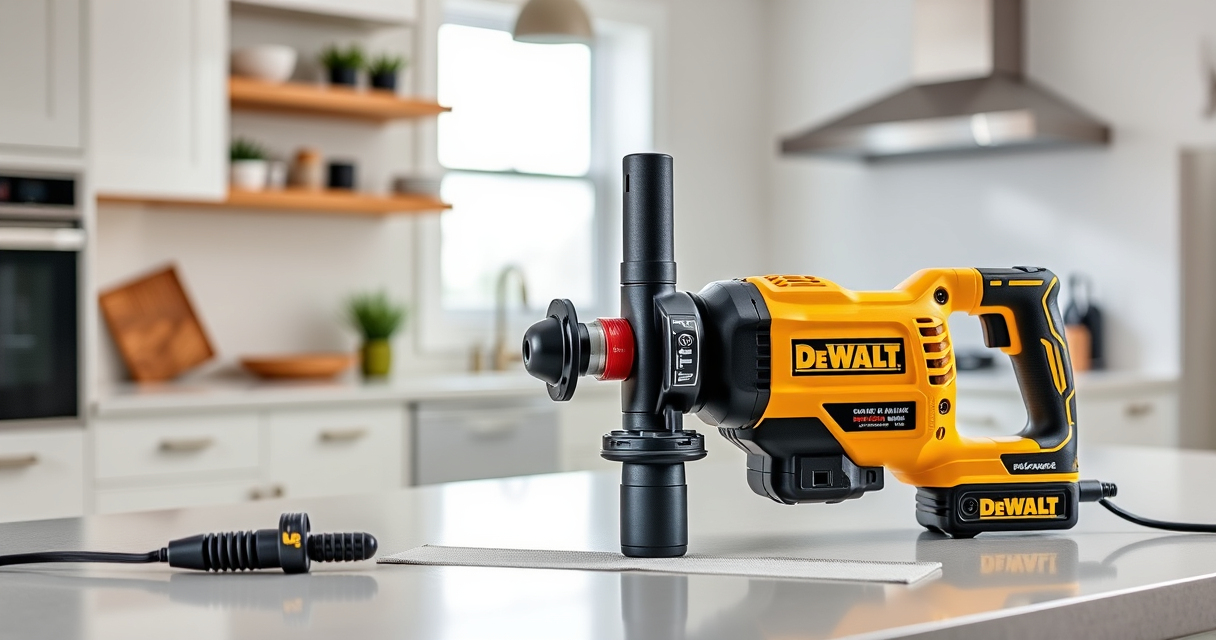

Getting your new DEWALT power tools ready for work involves more than just unboxing. Proper setup ensures safety, extends the lifespan of your tools, and improves performance. In this guide, we’ll walk you through the essential steps to set up your DEWALT cordless drill, batteries, and accessories, along with tips for troubleshooting common issues.

Get garden gear delivered free with Prime
- Fast, free delivery on millions of items
- Prime Video, Amazon Music and more included
- Member-only deals all year
Whether you’re a seasoned professional or a DIY enthusiast, following these clear, practical instructions will help you get the most out of your DEWALT equipment while maintaining safety standards.
Key Takeaways
| Proper Battery Installation | Ensure batteries are correctly inserted for power and safety. |
| Secure Chuck and Attachments | Properly tighten drill bits and accessories to prevent accidents. |
| Check Tool Settings | Adjust speed and torque settings before starting work. |
| Use Compatible Batteries and Chargers | Use DEWALT batteries that match your model to avoid damage. |
| Perform Safety Checks | Inspect for damage and test run the tool before heavy use. |
Unboxing and Initial Inspection
- Carefully remove your DEWALT drill and accessories from the packaging. Check that all parts listed in the manual are present, including the drill, battery, charger, and any accessories.
- Inspect the drill for any signs of damage during transit, such as cracks or loose parts. Do not attempt to use damaged equipment.
- Ensure the battery is fully inserted into the drill and securely clicked into place. Check the battery contacts for corrosion or debris—clean gently if needed.
Charging and Installing the Battery
- Connect the DEWALT charger to a power outlet. Insert the battery into the charger, aligning the contacts, and wait for the LED indicator to show full charge (usually green).
- Once charged, remove the battery and insert it into the drill, pressing firmly until you hear a click. Confirm the battery is securely in place and the LED light on the drill indicates readiness.
- Tip: Use the DEWALT 20V MAX 5 Ah Lithium Ion Battery (ASIN: B00KQU1ENG) for longer runtime and reliable performance.
Setting Up Your Drill for Use
- Adjust the clutch and speed settings according to your task. For general drilling, start with the lower speed and increase as needed.
- Attach your drill bit securely by opening the single-sleeve ratcheting chuck. Insert the bit fully, tighten by hand, then secure with a chuck key if your model requires it. For the DCD777D1, hand tightening is sufficient.
- Test the tool in a safe area by pressing the trigger briefly to confirm proper operation and LED lighting.
Operational Tips and Troubleshooting
- Always wear safety goggles and gloves when operating power tools.
- If the drill doesn’t start, check the battery charge indicator. Recharge if needed.
- Ensure the bit is properly seated and tightened. Loose bits can cause accidents or damage.
- If the LED light isn’t working, check the wiring and connections for damage.
- For performance issues, ensure you’re using compatible, fully charged batteries.
Maintenance and Safe Storage
Store your DEWALT tools in a dry, clean place. Remove batteries if not in use for extended periods to prevent corrosion. Regularly clean the vents and switch areas with a dry cloth. Keep the tools out of reach of children and ensure all safety features are functional before each use.
The Products in This Guide

DEWALT 20V MAX Cordless Drill Driver Set
- ✔ Model: DCD777D1
- ✔ Product Weight: 3.3 lbs
- ✔ Max Torque: 340 UWO

DEWALT Drill Bit Set
- ✔ Bit Lengths: Various
- ✔ Compatibility: All standard drills
- ✔ Packaging: Plastic case
DEWALT 20V MAX Cordless Drill Driver Set
The DEWALT 20V MAX Cordless Drill Driver Set is a compact, lightweight, and powerful tool perfect for various applications. Its brushless motor provides more run time, and the ergonomic design ensures comfort during prolonged use. The included 2.0 Ah battery and charger make setup straightforward, and the LED light enhances visibility in dim spaces.
Pros:
- Brushless motor for efficiency
- Lightweight and ergonomic design
- Includes battery and charger
- LED work light for visibility
Cons:
- Battery life can be limiting for very long tasks
- Single-sleeve ratcheting chuck may require manual tightening
Best for: General-purpose drilling, fastening, and DIY projects
Not ideal for: Heavy-duty industrial applications requiring larger drills
Bottom line: A versatile, reliable drill set ideal for diverse tasks with excellent battery life.
DEWALT Drill Bit Set
The DEWALT 14-Piece Drill Bit Set features high-speed steel bits with a 135-degree split point, designed for plastic, wood, and metal. Its durable coating and tapered web design ensure longevity and resistance to breakage, making it a valuable addition to your toolkit.
Pros:
- Versatile for various materials
- Durable and rust-resistant coating
- Quick size identification
- Tapered design for strength
Cons:
- Limited to drill bits, not complete accessories
- Not suitable for heavy-duty industrial use
Best for: Home repair, hobby projects, light professional work
Not ideal for: Heavy construction or industrial applications
Bottom line: A durable, versatile drill bit set perfect for multiple material types.
Frequently Asked Questions
How do I safely change the drill bit?
Ensure the drill is turned off and the battery is removed before changing bits. Open the ratcheting chuck, insert the new bit fully, then tighten securely.
Can I use any batteries with my DEWALT drill?
Use only DEWALT 20V MAX batteries compatible with your model, such as the 5 Ah Lithium Ion batteries, to ensure optimal performance and safety.
What should I do if the LED light doesn’t turn on?
Check that the battery is properly installed and charged. If the issue persists, inspect the wiring and contact support if needed.
How often should I clean my drill?
Clean your drill periodically by wiping with a dry cloth. Avoid using harsh chemicals. Keep vents free of dust and debris to prevent overheating.
What safety gear is recommended?
Always wear safety goggles and gloves when operating power tools. Make sure your workspace is well-lit and free of clutter.
Getting the Most Out of Your DEWALT Power Tools
Proper setup and maintenance of your DEWALT tools ensure safe operation and long-lasting performance. Take the time to inspect, assemble, and familiarize yourself with your equipment before starting projects. With the right preparation, you’ll enjoy efficient, safe, and professional results every time.
Affiliate disclosure: As an Amazon Associate we earn from qualifying purchases. Prices and availability are accurate as of the time of publishing.
Halloween Picks
halloween
As an affiliate, we earn on qualifying purchases.