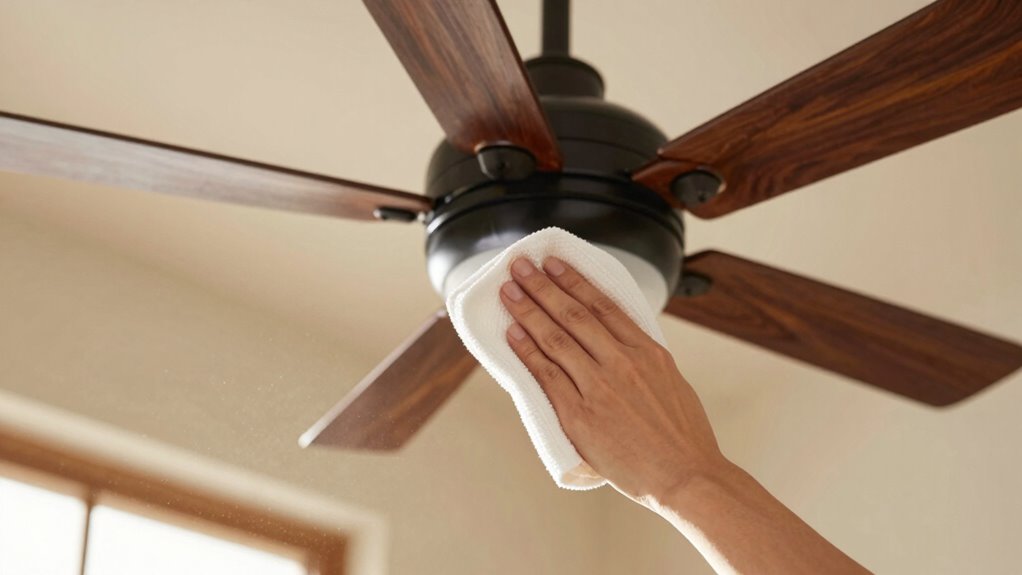

To instantly improve airflow, start by turning off and unplugging your fan. Wipe the blades and grill with a damp cloth to remove dust and dirt buildup. Detach and wash the grille thoroughly with warm soapy water. Regularly dust and clean these parts weekly to prevent future buildup. If your fan still doesn’t perform well, there could be underlying issues, so keep exploring for more effective tips and solutions.
Key Takeaways
- Turn off and unplug the fan before cleaning to ensure safety.
- Use a damp microfiber cloth to wipe blades and grille, removing dust and dirt buildup.
- Detach and wash the grille with warm soapy water, then dry thoroughly for optimal airflow.
- Regularly dust blades weekly to prevent dirt accumulation that hampers performance.
- Check for loose parts or debris and tighten or remove obstructions to restore maximum airflow.
How Dust and Dirt Reduce Your Fan’s Performance and Air Quality
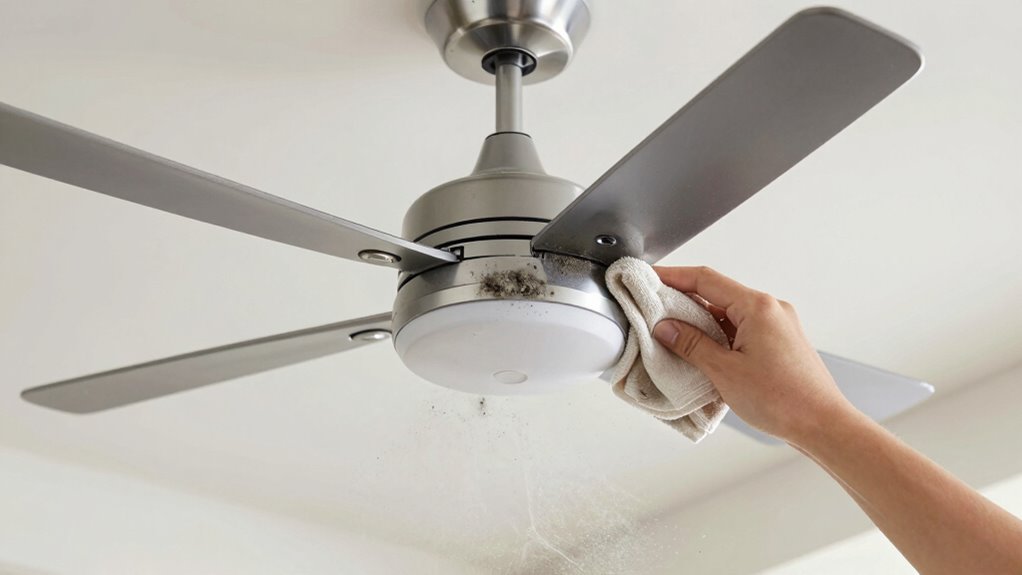
Dust and dirt can quickly accumulate on your fan’s blades and grill, and this buildup doesn’t just look unsightly—it directly impacts performance. When dust buildup occurs, it hampers airflow, making your fan work harder to circulate air. This decreased efficiency means your space won’t get properly ventilated, affecting your air quality. Poor air quality can lead to respiratory issues or allergies, especially if dust particles linger in the air. As dust settles on the blades, it also reduces the fan’s ability to operate smoothly, increasing noise and wear. Regular cleaning prevents these issues, ensuring your fan runs efficiently and maintains good indoor air quality. Removing dust from the blades and grill keeps your fan performing at its best and promotes a healthier living environment. Additionally, proper maintenance helps extend the lifespan of your fan by preventing dust-related motor issues.
How to Tell When Your Fan Needs a Good Cleaning
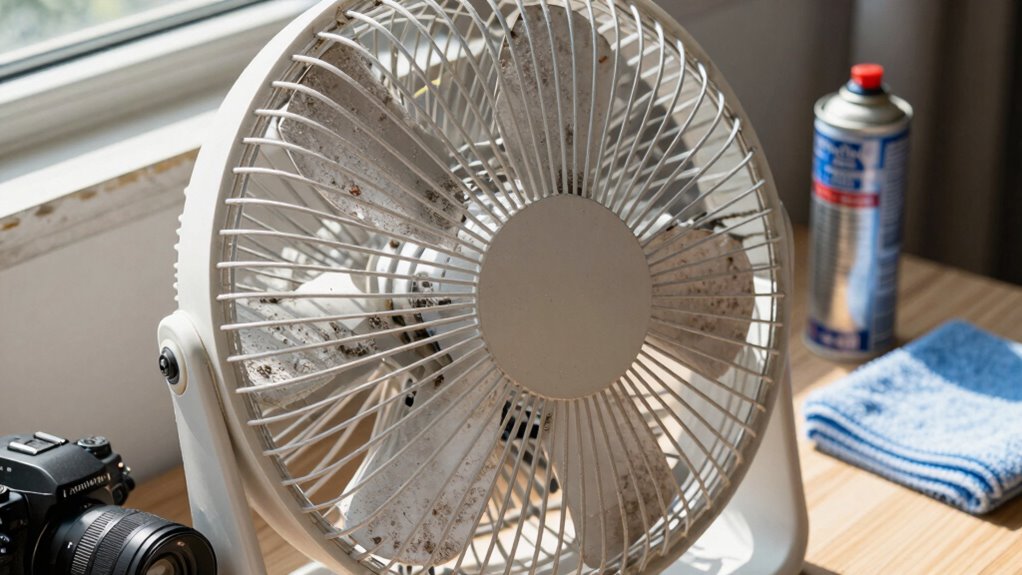
Knowing when your fan needs a good cleaning is essential to maintain its efficiency and indoor air quality. If you notice increased fan noise or unusual vibration issues, it’s a clear sign dirt and dust have accumulated, affecting performance. A noisy fan often indicates debris interfering with the blades or motor, while vibrations can result from buildup causing imbalance. Additionally, if the airflow feels weaker than usual or the fan wobbles, it’s time for a thorough cleaning. Regularly inspecting for these signs helps prevent motor strain and prolongs the fan’s lifespan. Dirt and dust buildup can also hinder airflow, reducing the fan’s effectiveness in improving indoor air quality. Proper maintenance helps ensure your fan continues to operate smoothly and efficiently. Don’t ignore these cues—addressing them promptly keeps your fan running smoothly, quietly, and at peak performance. Clean your fan before minor issues turn into costly repairs or compromised air quality.
Easy Step-by-Step Guide to Cleaning Your Fan’s Blades and Grille
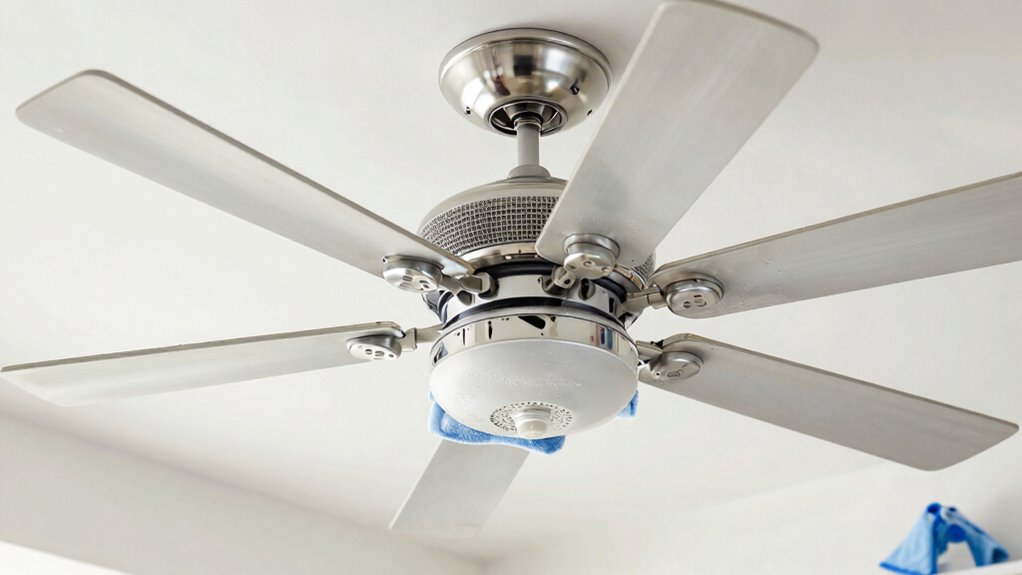
When you notice your fan making more noise or wobbling, it’s a good sign it’s time to clean. Start with fan blade maintenance by turning off the fan and unplugging it. Use a damp cloth or microfiber towel to wipe each blade, removing dust and grime. For stubborn spots, a mixture of mild soap and water works well. Next, check the grille hygiene: detach the grille if possible, then wash it with warm soapy water, scrubbing away built-up dust. Rinse thoroughly and let it dry completely before reattaching. Regular cleaning of the blades and grille prevents dust buildup, improves airflow, and reduces noise. Incorporating free floating techniques in your cleaning routine can help maintain a more natural and effective airflow around your fan. Keep this routine consistent for ideal fan performance and a healthier indoor environment.
Simple Tips to Keep Your Fan Dust-Free and Working Smoothly
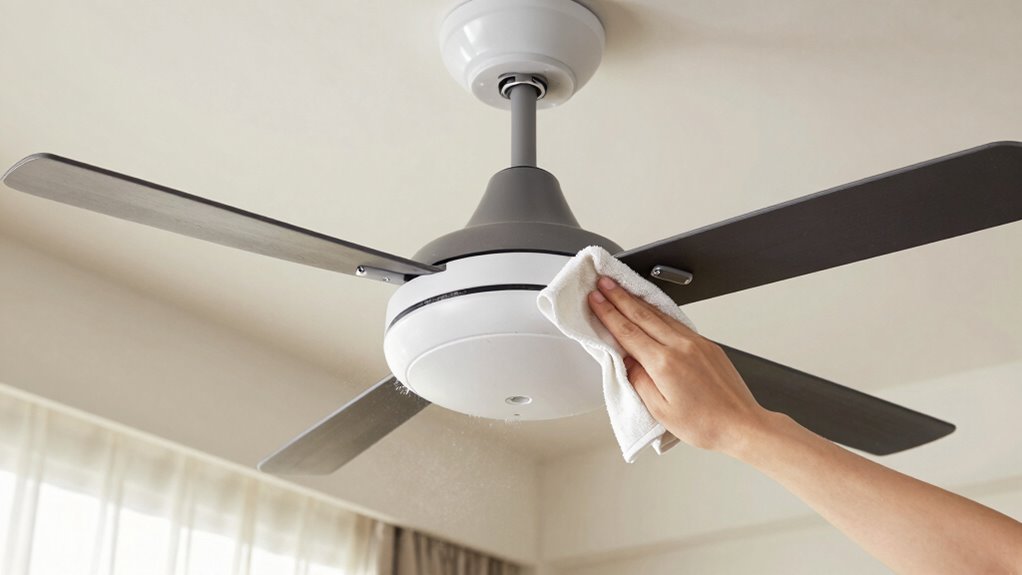
Keeping your fan dust-free and running smoothly starts with simple daily habits. Regularly wiping down the blades and grille prevents dust buildup, ensuring ideal fan maintenance and airflow. Set a weekly reminder to dust your fan with a damp cloth, avoiding harsh cleaners that may damage parts. Additionally, keep the surrounding area clean to reduce airborne dust particles settling on your fan. Use this quick-reference table to stay organized:
| Daily Habits | Weekly Tasks |
|---|---|
| Wipe blades with a damp cloth | Deep clean blades and grille |
| Keep surroundings dust-free | Check for loose screws or parts |
| Avoid blocking airflow | Lubricate moving parts if needed |
| Use a microfiber cloth | Ensure fan is on a stable surface |
These simple tips help maintain airflow enhancement, prolong fan life, and ensure effective cooling. Regular maintenance also supports media literacy by helping you distinguish between reliable and unreliable cleaning advice online.
Troubleshooting: Why Your Fan Still Doesn’t Work Right After Cleaning
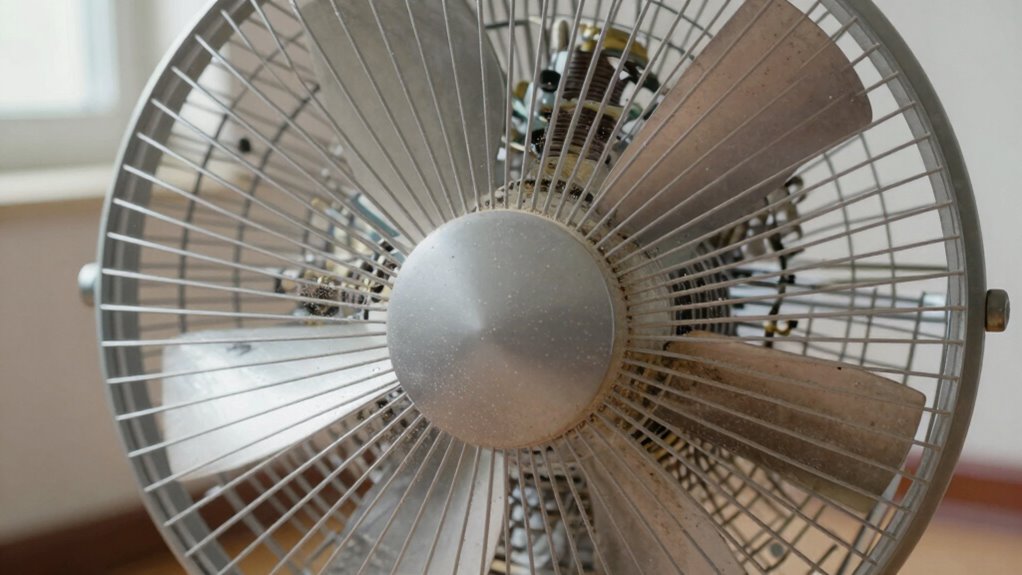
Even after cleaning your fan thoroughly, it might still not work properly if some issues weren’t addressed during the process. Check the fan speed settings—sometimes they get accidentally adjusted or stuck, limiting airflow. Also, listen for unusual noise levels; grinding or rattling sounds can indicate loose parts or motor problems that cleaning alone won’t fix. Dust buildup inside the motor or blades could still cause imbalance, affecting performance. Confirm the fan’s blades are balanced and securely attached. If the fan continues to run at low speed or produces excessive noise despite cleaning, the issue might be mechanical or electrical, requiring further inspection. Additionally, inspecting the internal components can reveal hidden issues that impact airflow and operation. Addressing these factors helps restore ideal airflow and quiet operation, preventing frustration and unnecessary replacements.
When to Call a Professional for Fan Repairs or Replacement
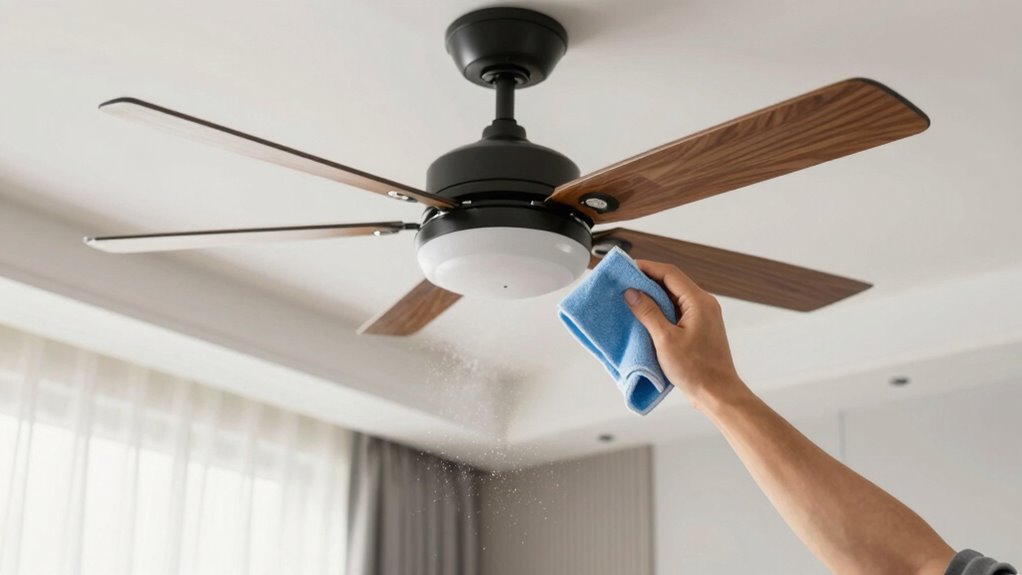
If your fan makes strange noises or vibrates excessively, it’s time to call in a professional. Signs of mechanical failure, like overheating or persistent wobbling, also indicate you shouldn’t wait. Recognizing these issues early can save you from costly repairs or replacement down the line. Additionally, vacuum features to consider, such as motor performance and build quality, can influence the longevity and effectiveness of your appliance.
When to Seek Expert Help
Sometimes, attempting to fix or replace a fan yourself can do more harm than good, especially if you’re not experienced with electrical repairs. If you notice persistent fan noise or suspect electrical issues, it’s time to call a professional. Trying to troubleshoot these problems on your own could lead to further damage or safety hazards. Additionally, understanding your fan’s electrical components can help you better communicate with repair technicians.
Signs of Mechanical Failure
Mechanical issues can quickly escalate from minor inconveniences to serious safety concerns. If you notice the fan wobbling or making unusual noises, it could be a sign of imbalanced fan blades, which affects fan blade balance and causes uneven operation. Additionally, if the motor feels excessively hot or if the fan stops unexpectedly, motor overheating may be the culprit. These symptoms indicate that your fan’s components might be failing, risking further damage or fire hazards. Do not ignore persistent vibrations or strange smells, as they signal mechanical failure. When you encounter these signs, it’s time to call a professional. Addressing mechanical issues early can prevent costly repairs and ensure your fan operates safely and efficiently. Regular maintenance and inspection can also help identify industry trends that impact fan performance.
Frequently Asked Questions
How Often Should I Clean My Ceiling Fan?
You should clean your ceiling fan at least once every two to three months to maintain ideal airflow and extend its lifespan. Regular fan blade maintenance prevents dust buildup, which can cause imbalance and noise. If you notice increased noise or less efficient cooling, consider cleaning more often. Proper maintenance keeps your fan running smoothly, improves air quality, and guarantees it lasts longer, saving you money on repairs or replacements.
Can I Use Water to Clean the Fan Blades?
You can use water to clean your fan blades, but be careful. If you use too much or get water on the motor, water damage or fan corrosion could occur. To avoid this, lightly dampen a cloth with water and gentle soap, then wipe the blades. Always make certain the fan is unplugged before cleaning, and avoid spraying water directly onto the blades to prevent damaging your fan.
Are There Eco-Friendly Cleaning Products for Fans?
Yes, you can find eco-friendly cleaning products for fans. Look for natural fan maintenance options that use biodegradable ingredients, free from harsh chemicals. These eco-friendly cleaning solutions effectively remove dust and grime while being safe for the environment. Regularly using natural products not only keeps your fan clean but also promotes healthier indoor air quality, making your cleaning routine both effective and environmentally conscious.
Should I Lubricate My Fan During Cleaning?
Did you know that regular fan maintenance can boost efficiency? Yes, you should lubricate your fan during cleaning. Fan lubrication reduces friction, prevents squeaks, and prolongs its lifespan. Use light oil designed for fans or small motors, and apply cleaning with oil to the moving parts. Just a few drops on the motor shaft or bearings help keep everything running smoothly, ensuring ideal airflow and quieter operation.
How Can I Prevent Dust Buildup on My Fan?
To prevent dust buildup on your fan, you should regularly perform fan blade maintenance by wiping down blades with a damp cloth and using compressed air to clear dust from hard-to-reach spots. Keep the area around your fan clean and consider installing a dust filter nearby. Consistent cleaning and dust accumulation prevention measures ensure your fan runs efficiently and maintains peak airflow.
Conclusion
Keeping your fan clean is like giving it a gust of fresh air—literally! Regular cleaning boosts airflow, improves air quality, and keeps your fan running smoothly for years to come. Don’t let dust and dirt turn your fan into a sluggish, useless gadget; instead, make it a powerhouse of cool, clean air. With just a little effort, you’ll transform your space into a breeze-filled paradise that feels as fresh as a spring morning!