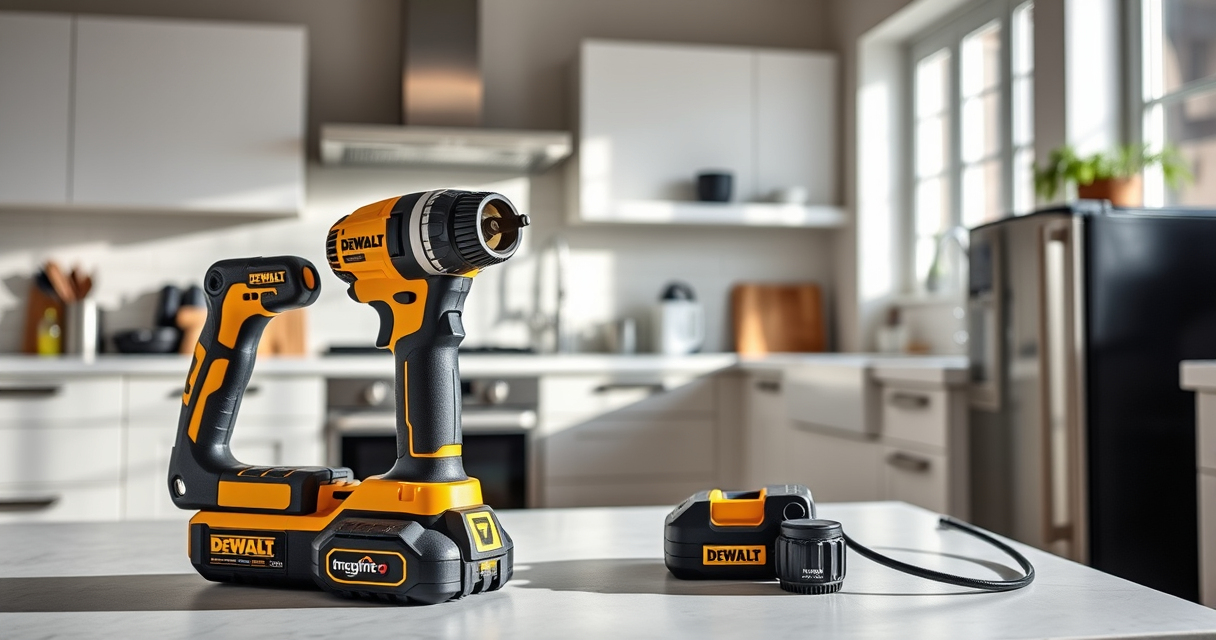
If your DEWALT 20V MAX battery isn’t charging properly, it can halt your work projects and cause frustration. Thankfully, most charging issues are simple to diagnose and fix with the right steps. This guide offers practical, safe troubleshooting tips to get your battery charging again so you can resume your tasks efficiently.
Open a free Amazon Business account
Business pricing, bulk buying and tax-exempt orders.
Create a free accountAs an affiliate, we earn on qualifying purchases.
Always prioritize safety and follow manufacturer instructions when handling batteries and chargers. Let’s explore common causes and how to resolve them effectively.
Key Takeaways
| Battery Connection Issue | Ensure the battery is properly seated in the charger. |
| Charger Malfunction | Check if the charger is working correctly or needs replacement. |
| Battery Age or Damage | Old or damaged batteries may refuse to charge. |
| Power Source Problems | Verify the outlet or power strip is functioning. |
| Temperature Conditions | Charging may be hindered if the battery or charger is too hot or cold. |

DEWALT 20V MAX Cordless Drill Driver Set, Electric Drill, Brushless 1/2 In 2 Speed, 2.0 Ah Battery and Charger Included, LED Light (DCD777D1)
- Motor Type: Brushless motor for longer run time
- Compact Design: 7.6-inch lightweight hand drill
- Ergonomic Grip: Comfortable handle for better control
As an affiliate, we earn on qualifying purchases.
Check the Battery Seating
- Remove the battery from the drill or tool.
- Inspect the battery terminals for dirt or corrosion.
- Insert the battery firmly into the charger until it clicks or seats securely.
Inspect the Charger and Power Supply
- Verify the power outlet is working by plugging in another device.
- Check the charger’s LED indicators—refer to the user manual for color codes.
- Try a different outlet or use a different charging cord if possible.
Test with a Known Good Battery
If available, try charging a different DEWALT battery compatible with your charger. If it charges normally, your original battery may be faulty or damaged.
Evaluate Battery and Charger Conditions
Look for signs of damage, such as swelling, cracks, or corrosion. If the battery is old or shows damage, replacing it may be necessary. Similarly, if the charger’s LED remains off or shows an error, consider replacing the charger.
Temperature and Environment Check
Ensure the battery and charger are in a suitable temperature range, ideally between 0°C and 40°C. Avoid charging in direct sunlight, cold environments, or excessively hot areas.
The Products in This Guide

DEWALT 20V MAX Cordless Drill Driver Set
- ✔ Weight: 7.6 inches overall
- ✔ Warranty: 3-year limited
- ✔ Included: Battery and charger

DEWALT Drill Bit Set
- ✔ Size Range: Various
- ✔ Web Design: Tapered for durability
- ✔ Color Coating: Rust-resistant
DEWALT 20V MAX Cordless Drill Driver Set
The DEWALT 20V MAX Cordless Drill Driver Set is a highly capable, lightweight, and ergonomic tool ideal for both DIY enthusiasts and professionals. Its brushless motor delivers more run time, making it a dependable choice for demanding jobs.
Pros:
- Brushless motor for efficiency
- Compact and lightweight design
- LED light for visibility
- Two-speed transmission
Cons:
- Battery life may vary with heavy use
- Requires compatible charger
- Limited to 20V system
Best for: General-purpose drilling and fastening in tight spaces
Not ideal for: Heavy-duty industrial applications or extended use without extra batteries
Bottom line: A versatile and reliable drill driver suitable for most household and professional projects.
DEWALT Drill Bit Set
This DEWALT Drill Bit Set features durable high-speed steel bits with a split point tip, perfect for drilling into plastic, wood, and metal. Its quality construction complements your cordless drill, enhancing overall performance.
Pros:
- Durable high-speed steel
- Split point prevents walking
- Corrosion-resistant coating
- Includes multiple sizes
Cons:
- Limited to bit use, not a power tool
- Requires compatible drill for best results
Best for: General drilling tasks across multiple materials
Not ideal for: Heavy-duty industrial drilling or specialized applications
Bottom line: A reliable, versatile drill bit set that enhances your drilling projects.
Frequently Asked Questions
Why isn’t my DEWALT battery charging?
Common causes include poor contact between the battery and charger, a faulty charger, a damaged battery, or environmental factors like temperature. Follow troubleshooting steps to identify the issue.
How can I tell if my charger or battery is faulty?
Test the charger with a different compatible battery or test your battery with a different charger. If issues persist, the faulty component is likely the charger or the battery.
What should I do if my battery is old or damaged?
Replace the battery if it shows signs of swelling, corrosion, or no longer holds a charge. Using a damaged battery can be unsafe and reduce performance.
Can environmental conditions affect charging?
Yes, charging in extreme temperatures (below 0°C or above 40°C) can hinder the process. Keep batteries and chargers in a moderate environment for best results.
Getting Your DEWALT Battery Charging Again
By systematically checking the connection, power source, battery condition, and environmental factors, you can often resolve charging issues without professional help. Always handle batteries safely, and replace any damaged components promptly. With these tips, you’ll keep your DEWALT tools ready for any project.
Affiliate disclosure: As an Amazon Associate we earn from qualifying purchases. Prices and availability are accurate as of the time of publishing.
Summer Picks
summer essentials
As an affiliate, we earn on qualifying purchases.